Blommesteijn IT / mbatterier
LicenceLicentie
MIT
Release
v0.1.0
ReleasedUitgebracht
Docs
README
GitHub
‎dblommesteijn/mbatterier‎

mbatterier

The missing power-boost and battery manager for Mac

Keeps a MacBook in Low Power by default and gives High Power only when you ask for it or the battery is full enough.

Application MacBook Simulator (based on )Applicatie MacBook-simulator (gebaseerd op )

ChargeLading—
SourceBron—
ModeStand—
Boost—
Watch—
DrawVerbruik—
Charge limitLaadlimiet—
ClockKlok—

High Power Low Power Automatic adapteradapter charge limitlaadlimiet watts illustrative · drag ≥ / < to set watchwatts illustratief · sleep ≥ / < voor watch

PowerStroom

Watch

Boost

Stop and setStoppen en zetten

Load · simulatedBelasting · gesimuleerd

zsh — mbat
 
$ mbat status
 

Four ways inVier ingangen

One CLI underneathEén CLI eronder

$ mbat boost 2h
$ mbat watch --high 90 --low 15
$ mbat status
Battery Power: high
AC Power:      high
Watch:         High Power from 90%, Low Power below 15%

TerminalTerminal — mbat

The CLI the other three run. Commands that change the mode need root and re-run themselves through sudo.De CLI waar de andere drie op draaien. Commando's die de stand wijzigen hebben root nodig en starten zichzelf opnieuw via sudo.
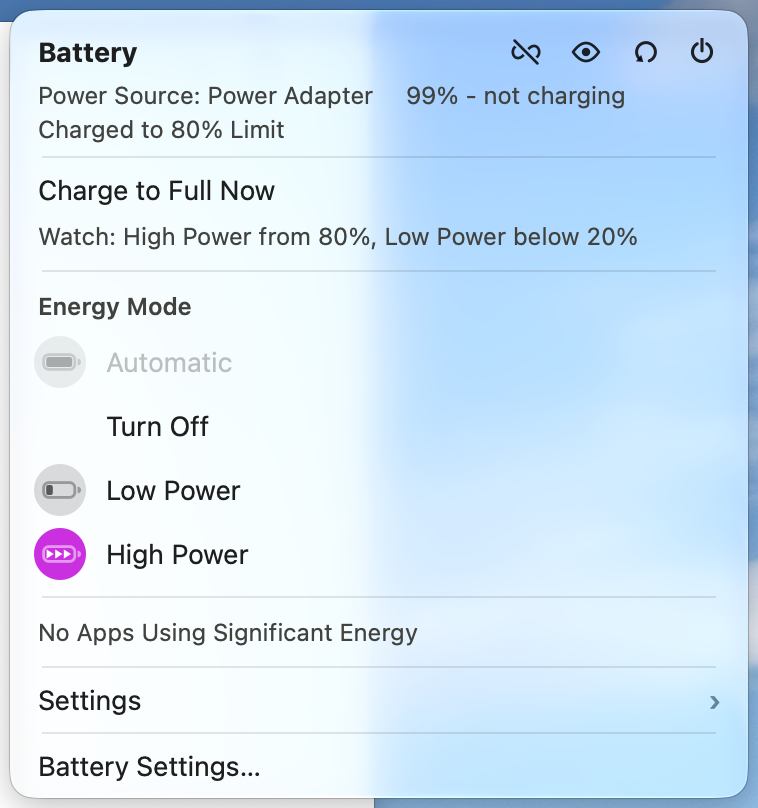
The mbatterier menu: power source, charge limit, the watch rule, the energy modes with High Power selected, and Settings

Menu bar appMenubalk-app

Shows the charge and the power mode as a colour: purple High, yellow Low, plain Automatic. It runs the same commands as the terminal.Toont de lading en de stand als kleur: paars High, geel Low, neutraal Automatic. Hij voert dezelfde commando's uit als de terminal.

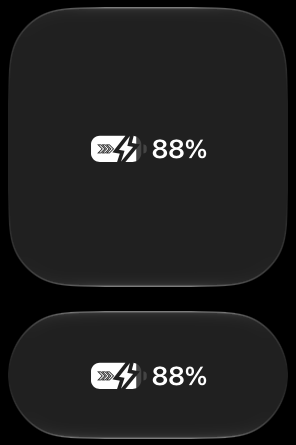
The Battery controls in Control Center in the large and medium sizes, at 88% with the High Power chevrons

Control Center

A Battery control after Apple's own, on macOS 26 and later. Tapping it opens the mbatterier menu.Een Battery-bediening naar Apple's eigen voorbeeld, vanaf macOS 26. Tikken opent het mbatterier-menu.

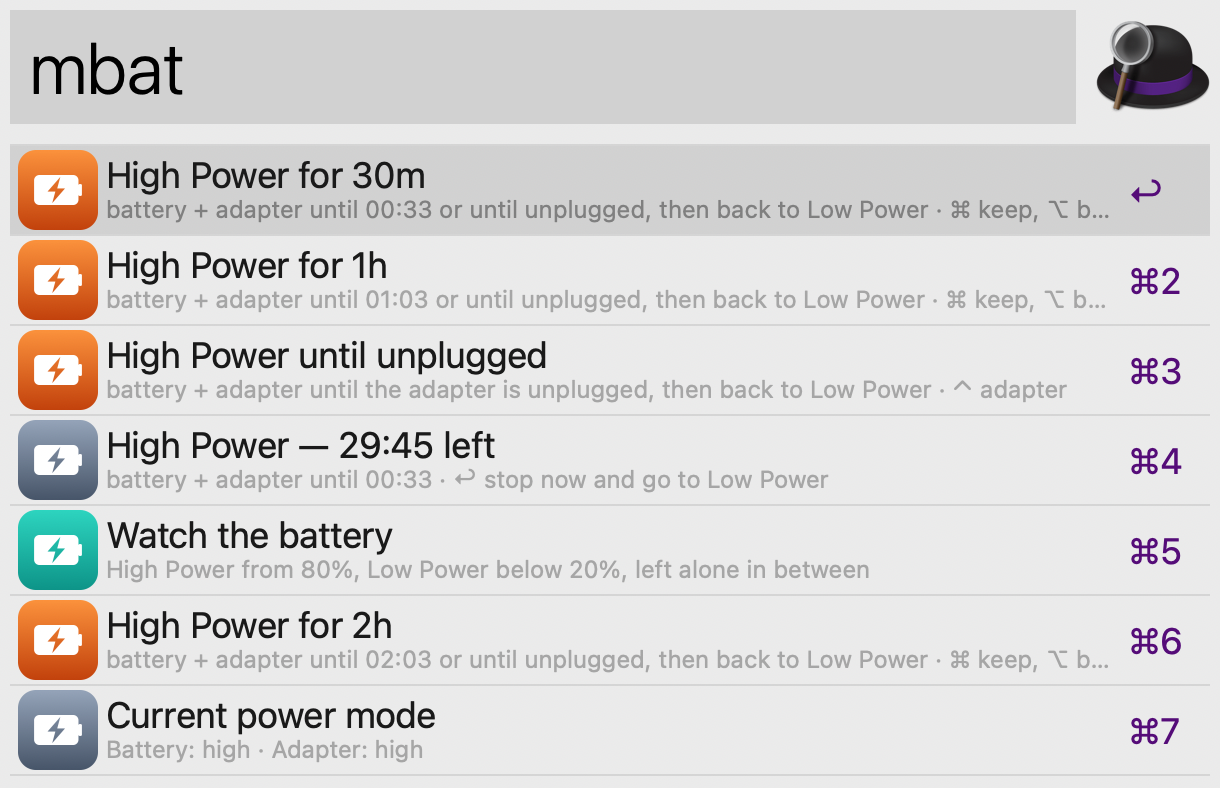
Alfred with the keyword mbat: High Power for 30m, 1h and 2h, until unplugged, the running boost with its time left, Watch the battery, and the current power mode

Alfred

Keyword mbat, with presets and any duration. Needs the Powerpack.Trefwoord mbat, met voorinstellingen en elke duur. Vereist de Powerpack.

RequirementsVereisten

macOS26 or later26 of nieuwerTested on 27. The Control Center control needs 26.Getest op 27. De Control Center-bediening vereist 26.
MacHigh Power modeHigh Power-modusFor boost and High Power. Without it, Low Power and Automatic still switch.Voor boost en High Power. Zonder schakelen Low Power en Automatic nog steeds.
Go1.27 or later1.27 of nieuwerFor the CLI.Voor de CLI.
XcodeSwift 6.4For the menu bar app and the Control Center control.Voor de menubalk-app en de Control Center-bediening.

InstallInstalleren

$ make install-system        # /usr/local/bin/mbatterier + mbat
$ make TEAM=<team ID> install-menulet
$ make install-agent         # optional: mbat watch at boot# optioneel: mbat watch bij het opstarten

No third-party Go modules or Python packages. The menu bar app is signed with your own Apple Development certificate; the README has the steps.Geen Go-modules of Python-pakketten van derden. De menubalk-app wordt ondertekend met je eigen Apple Development-certificaat; de README beschrijft de stappen.

SourceBroncode

← Blommesteijn IT